
Name-Based Case Searches
In ARCourts, the name route is called Participants. Search ARCourts accepts first, middle, and last names there. Type one or two characters. You get an exact-name search under the official portal guide. Three or more characters can pull exact and partial matches, and aliases may surface too. So length matters. A short entry is not automatically a wide net.
Begin with the name as it would appear in a court caption. Add Ouachita under County Name and pick the known Court Location. That court filter counts. Ouachita County Circuit Court and the Camden, Bearden, Chidester, East Camden, and Stephens District Court departments each keep their own dockets.
- Open the official Search ARCourts interface from an Arkansas Judiciary page and choose Participants.
- Enter last and first name. Add a middle-name character only when it helps separate similar results.
- Expand Detail and select Ouachita County, then the filing court when known. Use date of birth only when necessary and never republish a private identifier.
- Run the search, compare court location and case type, and open only the matching public case detail.
- Read Docket Entries and Future Events, then call the filing clerk when the match, document, or setting remains uncertain.
The field inventory below follows the official guide. A field marked unspecified is simply one the guide does not list as mandatory.
| Field Label | Type | Required | Options or Format Notes |
|---|---|---|---|
| Search by | Expandable selector | Unspecified | Participants or Cases |
| First Name | Text | Unspecified | One or two characters exact; three or more exact or partial |
| Middle Name | Text | No or unspecified | One character returns middle names containing it |
| Last Name | Text | Unspecified | Aliases included; can hold key organization words |
| Organization or Case Description | Text | No or unspecified | Organization must match how it was entered on the case |
| Detail | Expand button | Not applicable | Reveals added filters |
| Date of Birth | Date or text | No | MM/DD/YYYY in participant detail |
| Driver's License Number | Text | No | Works only if the court linked it to the participant |
| Case Number | Text | Alternative | No universal format is stated in the official guide |
| Citation Number | Text | Alternative | Used for participating lower-court citations |
| Start Date | Date | No | Case-detail date range |
| End Date | Date | No | Case-detail date range |
| Case Type | Dropdown or filter | No | Exact choices are portal dependent |
| County Name | Dropdown or filter | No | Choose Ouachita |
| Court Location | Dropdown or filter | No | Choose the specific filing court |
| Rows per page | Dropdown | No | 25 by default, with 50 and 100 choices |
| Column filter | Per-column control | No | Filters the returned table |
| Sort arrow | Column control | No | Appears by hovering on a heading |
| Page arrows | Pagination buttons | No | Move through result pages |
Ouachita County Docket Search Name Behavior
A one-letter search can be too exact rather than too broad. When a likely Ouachita County case fails to appear, try three or more well-chosen characters. Check spelling. Loosen any filter that is too tight. Organizations carry their own trap. The dedicated organization field wants the name exactly as court staff typed it. The official workaround is to place one or two key organization words in Last Name instead.
Aliases can widen what comes back. That does not make every hit the same person. Before opening a docket, compare the case type, court, caption, and public filing context. Also, do not save or republish a date of birth, driver's-license number, address, or other private value from a result.
The Arkansas Court Automation Programs page describes the state program behind Search ARCourts and its public case information.
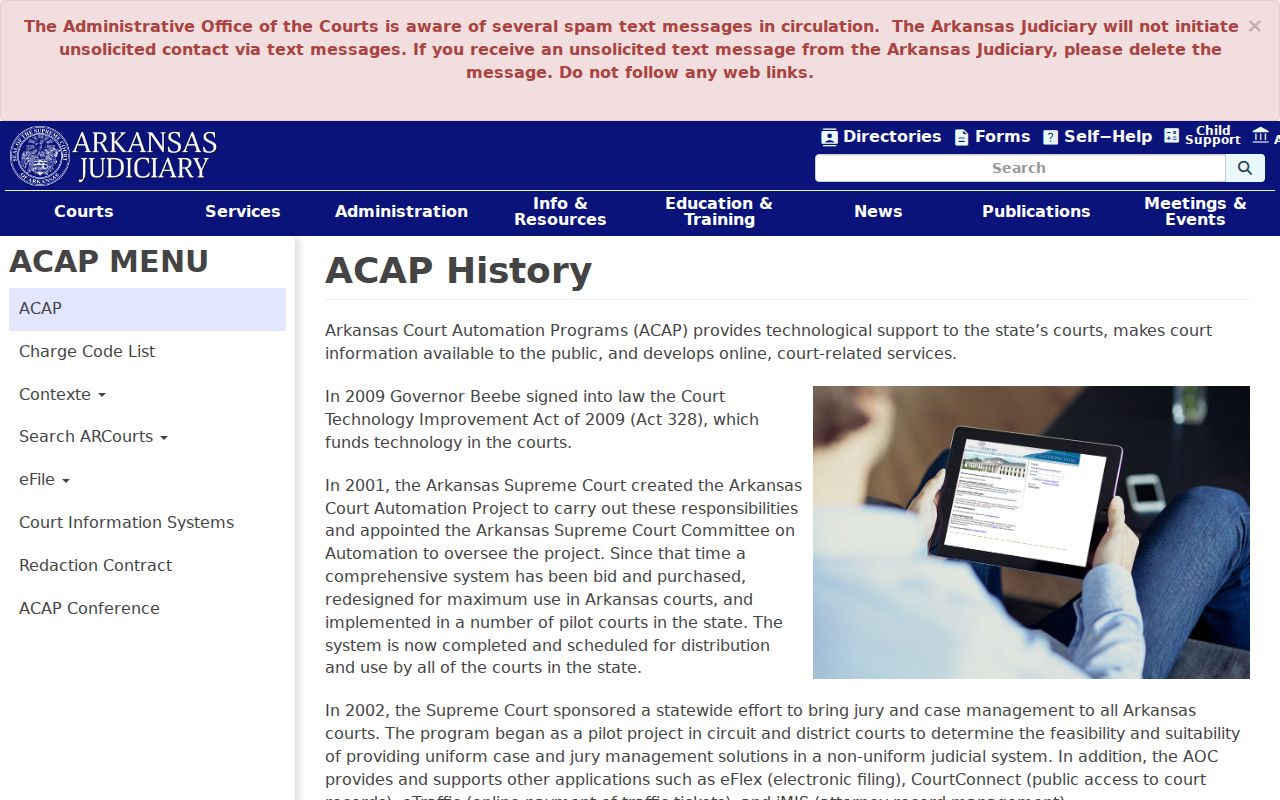
The statewide automation program gives Ouachita County one central docket search route. How much the public can see still depends on each court's participation and access rules.
Ouachita County Docket Search Organization Workaround
An organization search can fail for a simple reason. The dedicated field does not match the court's own entry. The official Search ARCourts guide offers a second route: put one or two key organization words in Last Name. Keep Ouachita County selected. Then compare court location, case type, and caption before opening a result.
Piling on filters can turn the workaround into another exact-match trap. Test the key words first. Then narrow the returned table with its column controls.
Case Number Searches
Choose Cases in Search ARCourts when you know the court identifier. Enter the number exactly as it appears on a pleading, notice, citation, or other official court paper. The portal also offers a separate Citation Number route. Detail filters can add a start and end date, case type, Ouachita County, and Court Location.
No county-specific formatting guide exists for Ouachita County case numbers. The safe display is simply [case number exactly as assigned by the filing court]. Do not invent a year, court, type, or sequence pattern. If punctuation fails, compare the official document. Ask the filing clerk how the system expects the number.
A case number is the strongest search key, since it avoids common-name matches. It is not proof you picked the right court, though. A District Court appeal can create a later Circuit Court case with a different identifier. A citation may also sit with a local department whose online coverage is incomplete.
Ouachita County Docket Search Detail Filters
County Name and Court Location filters do different jobs. County Name narrows statewide results to Ouachita. Court Location points to the actual Circuit or District Court department. Use both when you can. A Camden address might belong to the Circuit Clerk at 145 Jefferson Street or to the Camden District Court clerk at 109A Goodgame Street, and those offices do not hold the same case types.
Case Type and a date range can shrink a long result list. Add them one at a time. If a known case vanishes, remove the newest filter first. A missing result can stem from spelling, exact-match behavior, a wrong court level, local nonparticipation, an older file, or remote-access limits. It does not prove no case exists.
Filter check: keep Ouachita County selected, then test the likely filing court before broadening to all court locations.
Case Search Results Explained
A public case detail can run from header information to participants, Docket Entries, Future Events, judgments, and selected document images. Criminal cases may add charges and dispositions. How rich the detail is depends on the filing court's Contexte participation. Its document links matter too. The table shows the full neutral sample inventory, using no real party or private identifier.
| Header | Case number, court or location, judge, case type, description or style, status, and public filing data. |
|---|---|
| Participants | Public party names and roles; aliases may affect name-search results. |
| Criminal Detail | Charges and dispositions where public; statute and classification depth varies by entry. |
| Docket Entries | Chronological event dates and descriptions, with a document link for some public filings. |
| Future Events | Upcoming settings that should be checked against later resets and confirmed with the filing court. |
| Judgments | Public judgment information where available. |
| Documents | Images for some public court records, with no universal image promise. |
| Restrictions | Information excluded from remote display under Administrative Order 19. |
| Result Controls | Sortable, filterable, resizable columns, plus 25, 50, or 100 rows and page navigation. |
| Redactions | Protected identifiers and excluded case data are withheld under governing law or rule. |
The case header confirms identity. Docket Entries describe recorded activity. A linked document, where one exists, supplies the filed image. Those are three distinct layers.
Ouachita County Docket Search Result Controls
An Ouachita County docket search opens with 25 rows. A control at the bottom raises the view to 50 or 100 rows. Arrows carry you through the rest. Hover over a column heading to reveal its sort arrow. Criteria below a heading filter the result table, and a faint divider resizes a column. These tools pay off when a participant search floods the screen with statewide matches.
Filter only after the query itself has worked. A strict column filter can hide a relevant row without touching the main search fields. Apple devices add one quirk: blocked pop-ups can make a public document link look absent. The official guide recommends enabling pop-ups. A blocked window is not proof of sealing.
The official case-system document index collects Arkansas court information-system material.
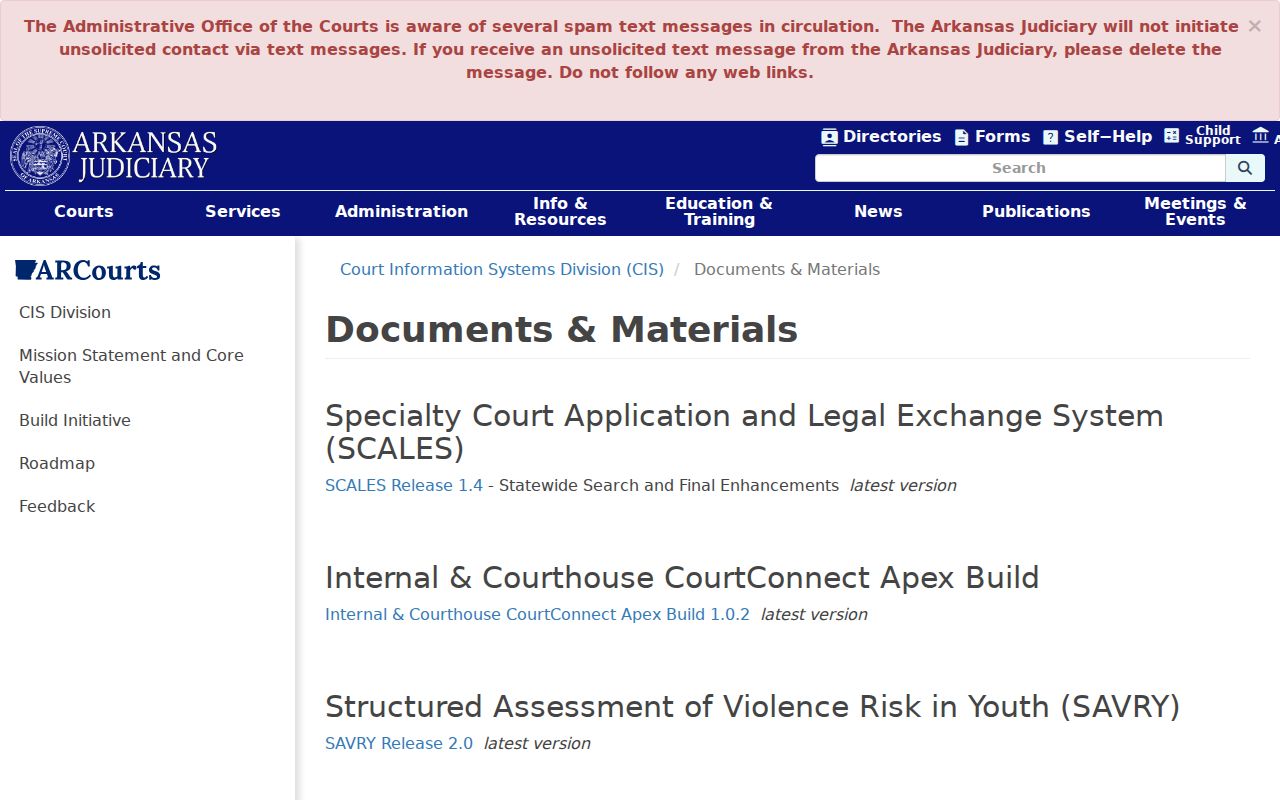
System documents explain the public interface, and Ouachita County's filing clerk answers for any one case.
Ouachita County Docket Search Document Windows
A blocked pop-up can break a public document link on an Apple device. Enable pop-ups, the official guide says. Then retry the link. When no new window opens, that says nothing about the record. It is not sealing.
If the link still fails, jot down the Docket Entry title and its date. The filing clerk can sort out access to that exact record. AOC technical support, in turn, handles a portal fault.
Two Ways to Search: County and State
Ouachita County runs no separate countywide public case portal. Search ARCourts is the statewide online layer for participating Contexte courts. The local layer is the clerk holding the file. These two routes work together rather than copy each other.
| Search ARCourts | Ouachita Filing Clerk |
|---|---|
| Searches public information across participating Arkansas courts. | Handles the file for one Circuit or District Court. |
| Accepts participant, organization, case, or citation searches. | Uses the case facts needed to locate local or older material. |
| May show Docket Entries, Future Events, judgments, and some public images. | Can explain inspection and copy options for a public record. |
| May omit a nonparticipating district matter or a remotely restricted field. | Can say whether courthouse access is broader than online access. |
| AOC technical support handles portal operation. | The clerk handles case-specific questions and current settings. |
The official Circuit Clerk directory gives 870-837-2230. That number reaches Circuit Court files. The District Court directory routes local matters to the Camden, Bearden, Chidester, East Camden, or Stephens clerk. A mail or counter request should name the court, the public caption, the case number if known, the exact document, and whether a plain or certified copy is needed.
Ouachita County Docket Search Entries and Images
A Docket Entry is an index event, nothing more. It can show that a motion, notice, order, or judgment was recorded while no public image is attached. Search ARCourts links only some public court records. The Ouachita Circuit Judges directory can confirm the public division name a result displays. A missing PDF does not prove sealing.
Write the entry description and date. Ask for that exact item. Circuit Court documents sit with the Circuit Clerk, while District Court documents belong to that department's clerk. A transcript differs again. Order it from the court reporter, not the clerk. The Ouachita County court case records route covers the file and copy process in more depth.
Note: online case information is a public summary; a certified clerk copy, a filed image, and a transcript are distinct court-record products.
Ouachita County Docket Search District Gaps
Not every District Court participates in Search ARCourts. A missing Camden, Bearden, Chidester, East Camden, or Stephens matter may still sit with that department's clerk. Check the citation for the court name. Test the Court Location filter. Then call the listed department. For a local citation this fallback matters most, because the Circuit Clerk is not a universal lower-court counter and a statewide miss never proves the citation vanished.
Which Cases Stay Restricted
Arkansas Supreme Court Administrative Order 19 governs public access to court records and draws a line between remote access and courthouse access. Juvenile and adoption material may be withheld. So may protected identifiers, some warrants before execution, confidential medical or financial information, and sealed filings. A case-specific order or statute can control access too.
Three questions stay separate. Is the case information public, may it be shown online, and is a filed image linked online? A no at one level settles nothing else. Ask the clerk whether a public or redacted version can be inspected at the courthouse, since clerks cannot unseal a file or give legal advice. More access may need a court order.
Ouachita County Docket Search Clerk Fallback
A missing result calls for a quick routine. Verify the spelling, try the case or citation number, broaden the filters, and test the likely court level. Then call the clerk. Search ARCourts never promises that every District Court citation appears online. Older data and document images can be uneven too.
AOC technical support handles portal behavior at 501-410-1900 option 1, 866-823-5778, or acap.help@arcourts.gov. Case questions still go to the Ouachita filing clerk. The AOC support form takes a request type, contact and mailing details, county, phone, email, comment, and CAPTCHA response.
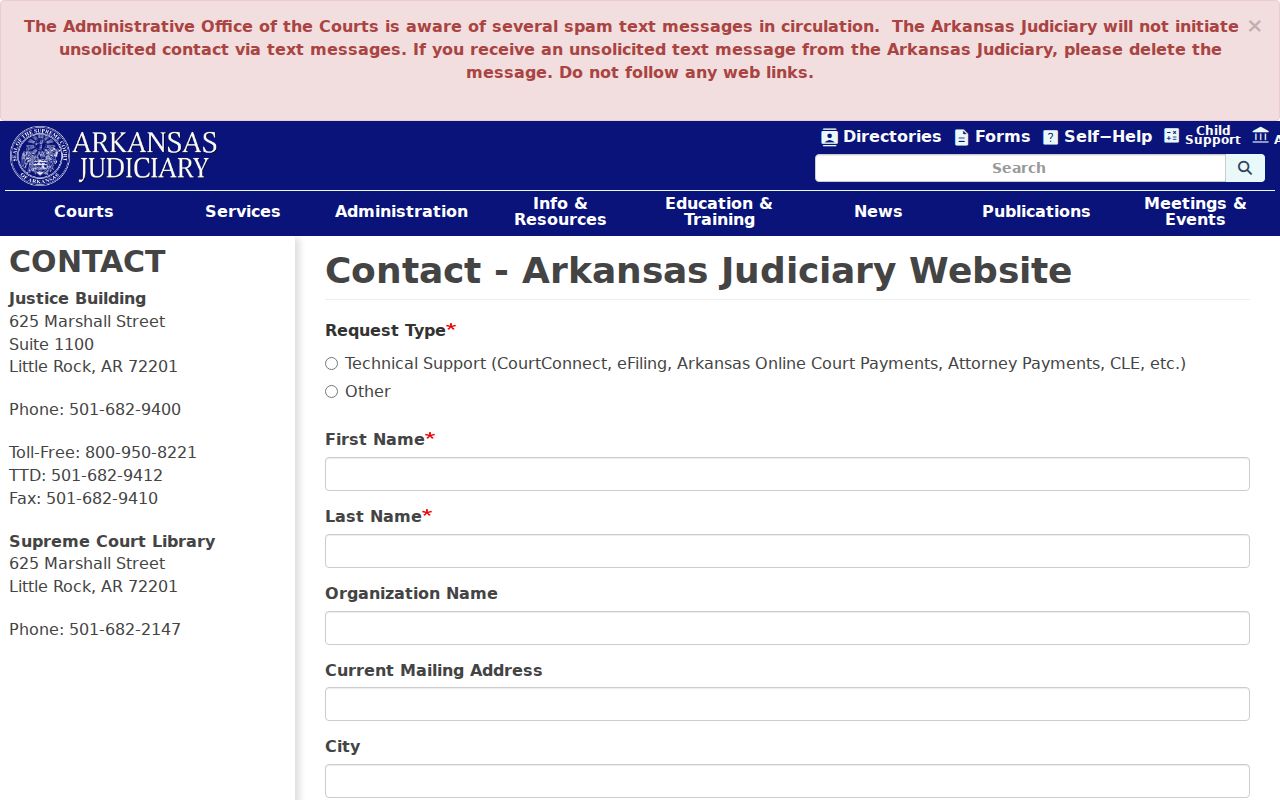
Use that form for technical faults. The Ouachita County clerk remains the source for the case, the document, and the current court setting.
Safe starting point: begin on an official arcourts.gov page. The Judiciary warns that it does not start unsolicited text-message contact, so delete unexpected court-link texts.