
How the Ouachita County Court Calendar Works
Ouachita County posts no separate daily calendar of its own. The statewide system fills that role. Search ARCourts is the public entry point for a docket search, and an open case there can show a Future Events area listing an upcoming setting. The same record may carry Docket Entries for notices, motions, orders, resets, or a final disposition. Read the two areas together. A date under Future Events helps you plan. Only the filing court can confirm the setting still stands.
Court level matters too. Circuit Court in Ouachita County handles felonies, major civil cases, domestic relations, probate, and juvenile matters. Traffic tickets, ordinance violations, misdemeanors, and limited civil claims sit in a District Court department. The county has departments in Camden, Bearden, Chidester, East Camden, and Stephens. Every department keeps its own clerk and calendar. Find the right name in the wrong court, and you end up at the wrong counter.
The Arkansas Judiciary news page posts system announcements that can affect public access to court records. This is helpful context during any court disruption.
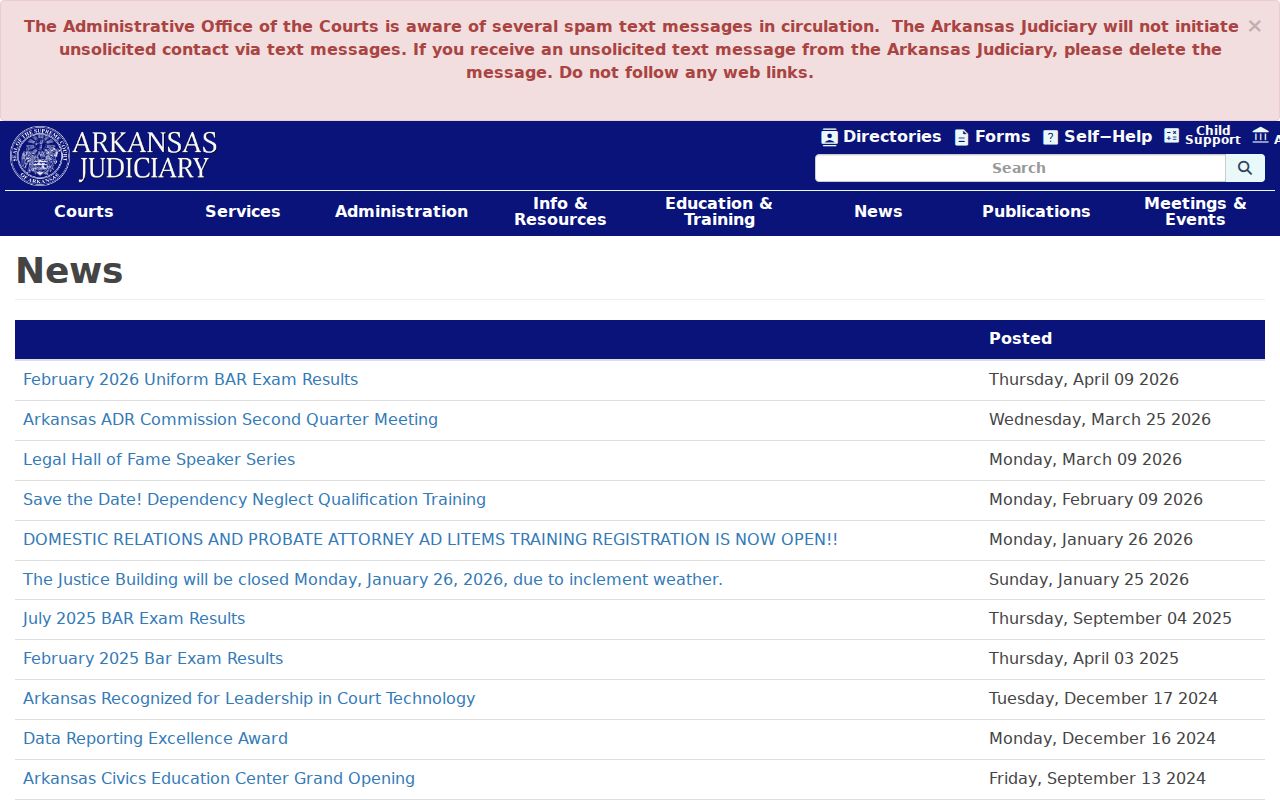
News is not a case calendar. Pair any general announcement with a direct check of the Ouachita County filing court.
Ouachita County Court Calendar Future Events
Search ARCourts is the named portal for an Ouachita County court date lookup. When you have a case or citation number, choose Cases. The Detail controls help you filter. Use date range, case type, County Name, and Court Location. Set the county to Ouachita. Pick the exact Circuit or District Court spot if you know it. A participant search works too. A common name or alias may pull back more than one case.
Open the matching record and check Future Events. Note the date, time, court, judge, and event description if those fields appear. An empty courtroom field is not an invitation to guess the location. Then scan the newest Docket Entries for a continuance, reset, cancellation, amended notice, or disposition. A newer order can override an older future event.
The MyJuryInfo service is a separate Arkansas channel for jury service.
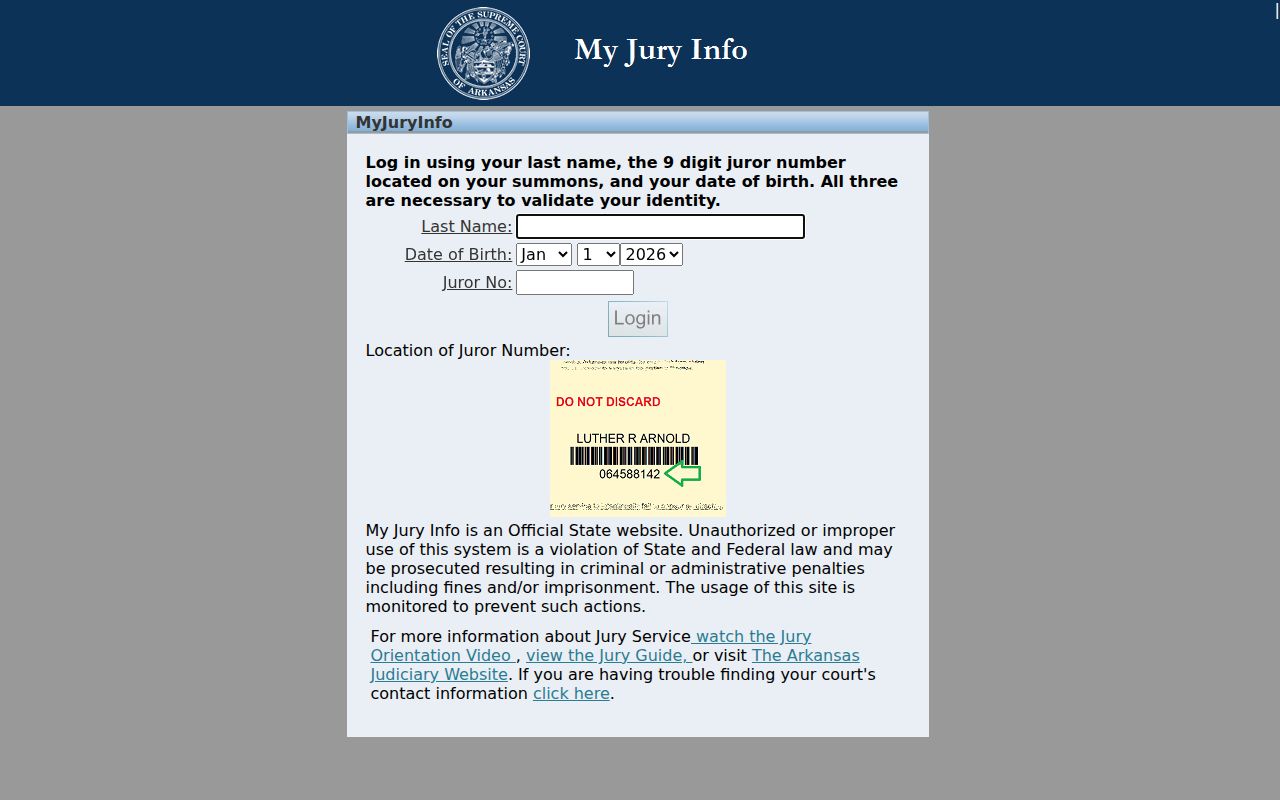
Jury instructions are not a hearing search. A juror should follow the summons and the court's direct directions.
Ouachita County Court Calendar Portal Gap
Ouachita County offers no standalone daily-calendar page, and that gap does not close the door. A docket search just starts elsewhere. It begins inside each case on Search ARCourts, then moves to the Circuit or District Court clerk. Do not borrow another county's calendar. Do not infer a date from a recurring schedule. Never treat a web search result as the court's notice.
The county also publishes no Zoom link. A remote link from another case or court does not give you remote appearance rights. Call the filing clerk, and follow the order or notice issued in your case.
Ouachita County Court Date Lookups
When the online setting is missing or unclear, use the clerk's counter and phone. These are not fallbacks after a failed docket search. They are the direct routes to the court's live schedule.
- Search Search ARCourts by case or citation number. Filter County Name to Ouachita and select the filing court.
- Open Future Events, then scan the newest Docket Entries for a later order, reset, cancellation, or disposition.
- Call the filing clerk. Circuit Court questions go to 870-837-2230. District Court calls go to Camden at 870-836-0331, Bearden at 870-687-2204, Chidester at 870-685-2906, East Camden at 870-574-2900, or Stephens at 870-786-5818.
- Use the correct clerk's counter if phone confirmation is not enough. Circuit records are kept at 145 Jefferson Street in Camden. Several District Court directory entries are mailing addresses, so call before travel for the public counter.
- If the clerk directs the question to a judicial office or trial-court administrator, ask only about scheduling. The official Circuit Judges directory lists the proper offices.
- Check any courthouse posting or docket call on the day of court. No official source promises a daily printed Ouachita County calendar, so do not rely on one without clerk confirmation.
An attorney's notice or a filed notice of hearing adds context, but confirm the current court setting close to the date. Ouachita County offers no text or email reminder program.
Ouachita County Court Schedule Has Five Clerks
The official District Court directory lists five local departments as separate calendar keepers under the countywide Circuit Court. The Camden clerk sits at 109A Goodgame Street. Listings for Bearden, Chidester, East Camden, and Stephens give postal addresses. A postal box does not equal a walk-in counter. Call before you go.
This split trips people up. A case about Camden may belong to Circuit Court or to the Camden District Court department. The case type plus the filing court decide which. Traffic tickets, ordinance matters, misdemeanors, and limited civil claims usually start below Circuit Court. Felonies and general-jurisdiction civil cases belong to Circuit Court. A District Court appeal can open a later Circuit Court docket, so an appeal notation may call for a check at both levels.
Calendar shortcut: identify the filing court before calling. The judge's office address does not change which clerk holds the docket.
Court Settings: What Each Field Means
A setting is a scheduled court event, nothing more. It is not a promise the case ends that day. Search ARCourts supports the case link, court, judge, and future-event fields, while other details depend on what the filing court entered. Read each field with care. Confirm any part that is missing.
| Date | The scheduled calendar date. A later granted continuance or amended notice may replace it. |
|---|---|
| Time | The stated start time, which may be a docket-call time rather than a unique time for one case. |
| Courtroom | The room or hearing location when entered. If absent, ask the filing clerk instead of inferring a building. |
| Judge | The judicial officer associated with the event. A special assignment can change the name without changing the custodian. |
| Setting Type | The event description, such as arraignment, pretrial, motion hearing, plea, trial, sentencing, review, or probate hearing. |
| Court Location | The Circuit or District Court location that owns the case and confirms the schedule. |
| Case Number | The court identifier used to separate the setting from other cases with similar party names. |
| Case Style | The public caption, which helps confirm that the result is the intended matter. |
Search ARCourts helps with discovery. The filing clerk should still confirm the current time, place, and event before an appearance.
Ouachita County Court Calendar Entry Checks
Future Events and Docket Entries answer different questions about a court date. One shows what is coming. The other shows the docket entry, notice, motion, order, reset, or disposition that explains why the date exists or why it changed. Read both before calling the clerk.
When the two areas conflict, write down the newest dates and descriptions. Give those details to the filing clerk. An old event can linger during a change, and a motion entry may appear before the judge rules. The clerk confirms which setting controls.
Ouachita County Court Setting Terms
Calendar terms describe the task set for court. Not every label means trial. Not every one produces a final order. Knowing what the event label means helps a person ask a focused question when confirming an Ouachita County court schedule.
- Arraignment
- An early criminal appearance addressing charges and plea procedure.
- Docket call
- A session used to check readiness, pleas, continuances, or trial order for several cases.
- Motion hearing
- A setting on a stated motion. The motion itself is a request, not the ruling.
- Bench trial
- A trial decided by the judge rather than a jury.
- Review
- A follow-up setting used to check compliance or program conditions.
- Continuance or reset
- A move from one setting to another, normally supported by a court order or updated event.
A plea date, a sentencing date, and a trial date are separate events. Read the calendar label alongside the newest filed notice or order.
When a Court Date Moves
A motion to continue is only a request to move a date. The request alone does not cancel it. Keep following the existing setting. Wait until the court grants the motion or the clerk confirms another date. Search ARCourts may list the motion as a Docket Entry before any order or updated Future Event appears. That is why the newest entry carries more weight than the first date found.
Weather, a holiday closure, a judicial assignment, or another scheduling action can also shift a setting. Recheck close to the hearing. If two dates appear, call the clerk. Give the case number, both dates, and the event labels. Never contact a judge about case merits. A scheduling question belongs with the clerk first, and with a judicial office only when the clerk directs it there.
The official court reporter directory shows the reporter who keeps each hearing transcript.
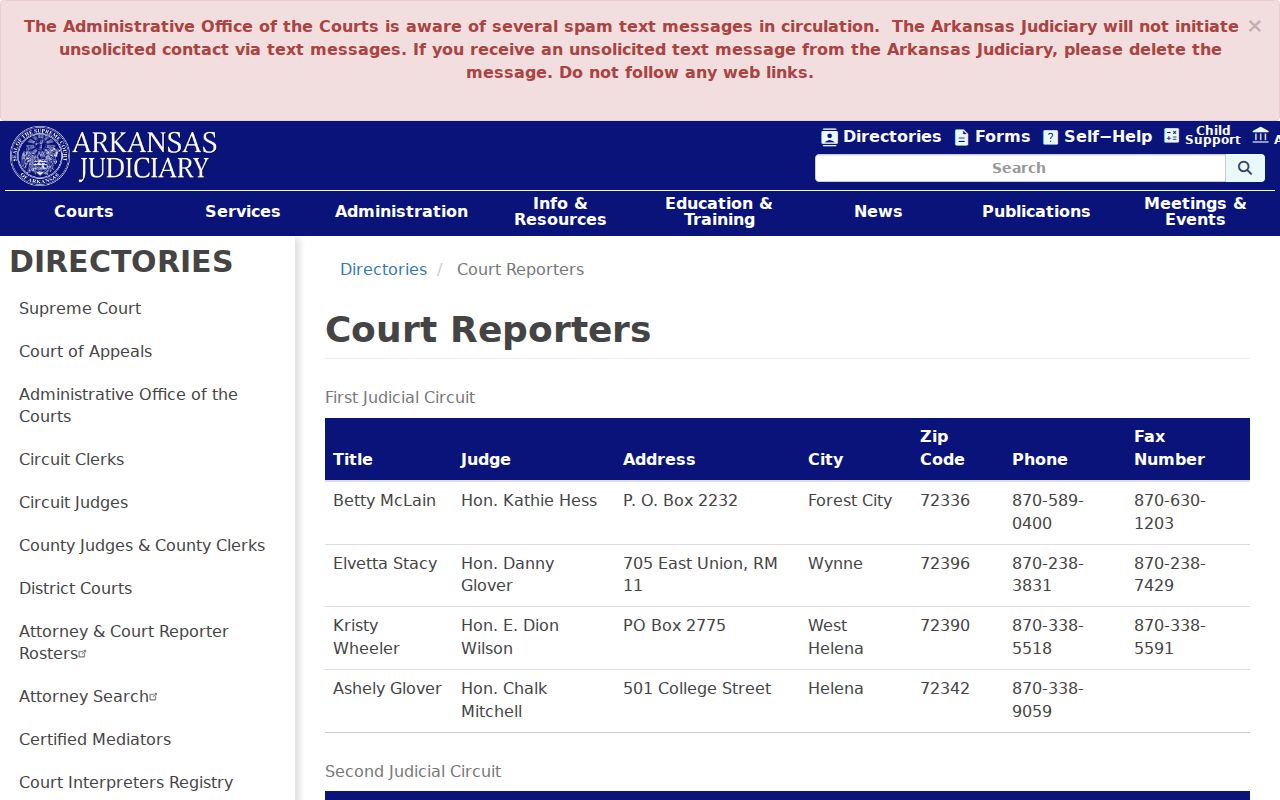
A reporter does not set the hearing. Treat the clerk, not the reporter, as the first source for a current court date.
Ouachita County Court Schedule Roles
The official Circuit Clerk directory names the office. That office keeps the Ouachita County Circuit Court record. District Court clerks hold their own lower-court dockets. The assigned judge controls the schedule, and staff can answer suitable administrative questions. A court reporter produces the official transcript of a proceeding. These jobs meet around one hearing, but they are not interchangeable.
Start with the clerk whose court appears in the case header. Ask whether the date, time, setting type, and location remain current. The Ouachita Circuit Judges directory lists the six circuit divisions. Sometimes a document is missing from the public view. Ask for the named notice or order by entry date. For a transcript after the hearing, use the reporter. Arkansas eFlex serves attorneys and parties for filings, not as a public calendar.
The AOC systems agenda documents statewide training. It covers Search ARCourts, Internal CourtConnect, eFlex, jury systems, and related tools.
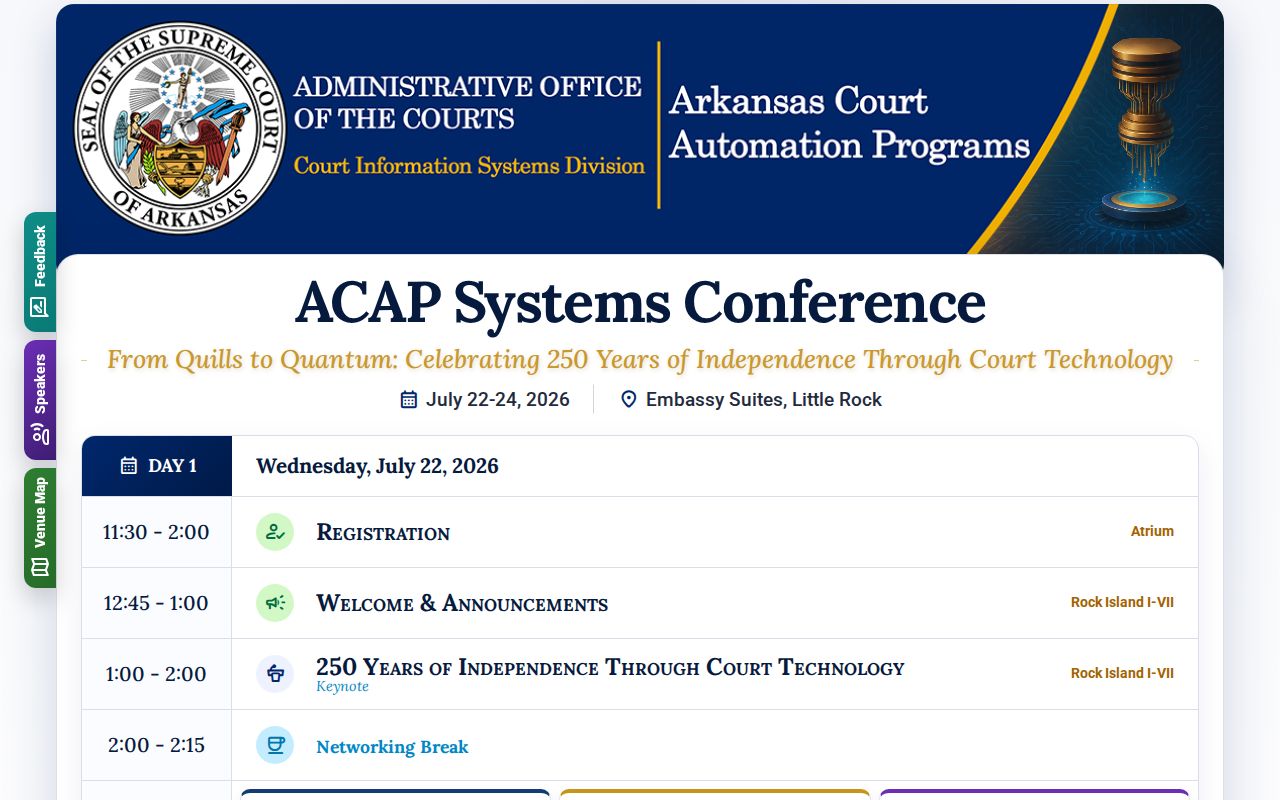
That training covers the systems behind local scheduling. It does not create a separate Ouachita County daily calendar.
Ouachita County Court Schedule Continuance Checks
While a motion to continue is pending, keep the current setting on the calendar. Search the docket for a signed order and a new Future Event. Then call the filing clerk. The request may be denied, granted on terms, or left undecided before the listed date. Silence is not a reset.
Use the Ouachita County docket search. It ties the setting back to its full public case detail. That view helps separate a motion entry from the later order. A public image link may be absent. This can happen even when the entry is public, so ask the clerk for the exact filed item if the status stays unclear.
Ouachita County Court Date Day-Of Checks
Reconfirm after severe weather, a holiday closure, or any notice of a possible change. Check the online case first. Then call the filing clerk. On arrival, follow the current courthouse posting or docket call, since no daily printed calendar is promised; a posting is a final on-site check, not a substitute for advance confirmation.
Bring the case number and the setting description. Those facts help staff separate cases with similar names and point the person to the correct Circuit or District Court location.
Missed Settings and What Comes Next
Act at once after a missed Ouachita County court setting. Call the filing clerk with the case number, court, event type, and missed date. Check the newest docket activity. But do not assume a new online date resolves all effects of the absence. If represented, contact counsel promptly. Court staff can give schedule and record information. But they cannot give legal advice.
Missed a setting? A failure to appear may create a new docket entry, warrant, bond action, or other court response.
Contact the filing clerk and your lawyer at once, and confirm what the court requires before going to a courtroom or counter.
Do not assume that filing a request, making a payment, or seeing a new date online cancels any prior court action.
For a District Court matter, call that department. For a Circuit Court matter, call the Circuit Clerk at 870-837-2230. A current clerk check is the shortest path back to the right Ouachita County court calendar.